PC
Mobile
Documents
Windows
Windows users must first install the serial port Driver CH341 or CP210X to identify the device.
Then install the ASCOM Windows Driver.
Finally, install the Onstep ASCOM Driver.
CP210X串口驱动
CH341/CP210X USB Drivers
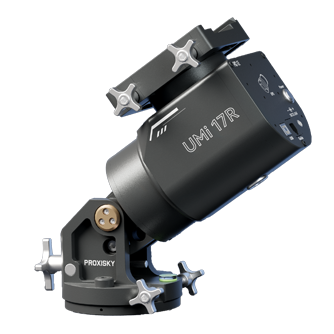
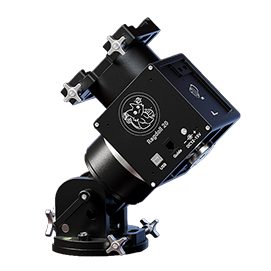
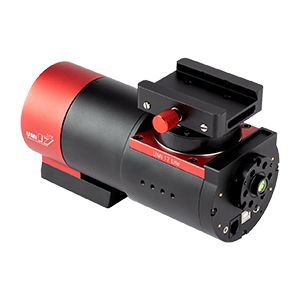
Install CH341 for UMi 17/SE, CP210X for UMi 17R, Ragdoll, UMi 17 Lite and other mounts. Windows can only identify devices after installation.
ASCOM 66 驱动
ASCOM Platform 6.6
ASCOM platform is required to use most astronomical equipments on Windows.
OnStep Telescope 驱动
OnStep Telescope Driver
After installation, you can control the UMi 17 and UMi 17 Lite etc. through the ASCOM Platform (which needs to be installed in advance).
macOS
macOS users need to install the CP210X serial port driver before they can identify the device. Kstars is available as an astrophotography software option.
CP210X
CP210X Serial Port Driver
Install CP210X for UMi 17R, Ragdoll, UMi 17 Lite and other mounts. Windows can identify devices only after installation.
kstars
Kstars
Astrophotography software for macOS and Linux
Linux
The CP210X driver has been distributed as part of the Linux kernel since v2.6.12, thus no need to download further files to detect the mount. Kstars is available as an astrophotography software option.
kstars
Kstars
Astrophotography software for macOS and Linux
UMi 17R/Ragdoll
UMi Mount
Exclusive Mobile App for UMi Mounts
V1.1.3: UTC offset now supports minutes, added DST switch, app now shows the model name and firmware version of the mount.
UMi Mount for iOS (Testflight)
V1.1.3
iOS
UMi Mount for Android
V1.1.3
Android
UMi 17 Lite
MeowGoto
Exclusive Mobile App for UMi 17 Lite
MeowGoto for iOS
V1.0.5
iOS
MeowGoto for Android
V1.0.5
Android
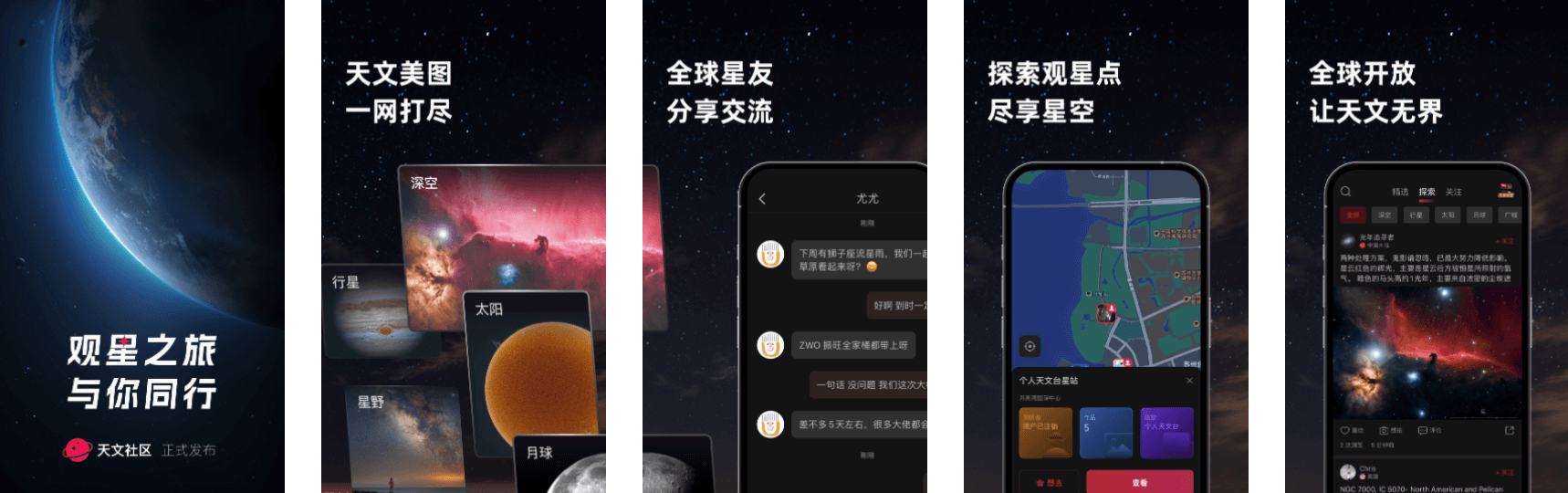
于此开启观星之旅
天文社区
天文美图,一网打尽。
天文社区 IOS APP
V1.4
iOS
天文社区 Android App
V1.4
Android
扫描二维码下载
扫描二维码下载
User Manuals
CP210X
UMi 17R User Manual ENG
This document contains product overview, installation and use, software connection, and after-sales warranty for the UMi 17R Servo Strain Wave Gear Equatorial Mount.
CP210X
Ragdoll User Manual ENG
This document contains product overview, installation and use, software connection, and after-sales warranty for both the Ragdoll 17 and Ragdoll 20 Strain Wave Gear Equatorial Mount.
CP210X
UMi 17 Lite User Manual ENG
This document contains product overview, installation and use, software connection, and after-sales warranty for the UMi 17 Lite Strain Wave Gear Equatorial Mount.

Additional Guides
CP210X
Short Guide (NINA)
Simple instruction on setting up Proxisky mounts for the first time, and settings worth mentioning in NINA.
CP210X
PHD2 Settings/Meridian Flip
A general guide to calibration and recommended settings in PHD2.
CP210X
Guide for UMi Mount App
A general guide to the UMi Mount app and its features.